
Video Upscaler
This video upscaler takes the low resolution clip you already have up to 4K in one pass, and you check the before and after preview yourself before anything downloads.
Drop, paste, or click (Supports .mp4, .mov, .m4v)
Sharper Footage From an AI Video Upscaler
Every pass rebuilds detail, smooths motion, and clears noise. Upscale video with AI in one pass, and the clip you download from this video upscaler is ready for the timeline, the feed, or the big screen.
Clips Rebuilt Up to 4K
A 4k video upscaler takes any source under 4K, whether it began at 720p or 1080p, and brings it out at a clean 4K resolution. It fills in detail that suits the picture instead of stretching pixels wider, so whatever the camera never captured will not suddenly appear.

Real Resolution, Not a Stretch
Reading what the footage already shows, this video resolution upscaler reconstructs missing detail toward your target, so 720p and 1080p material gains real edges instead of a blown up blur. It matches a model to your source automatically, and when you want to take over you can pick a model or a use case yourself and let the parameters fill in.

One Pass Does the Whole Job
Upscaling, 60fps interpolation, and noise removal run together in one pass, so a compressed clip never needs one round to denoise and another to enlarge. As a video quality upscaler, Imgupscale keeps every step inside a single processing flow.

Motion Smoothed to 60fps
Built in motion interpolation lifts choppy footage to 60fps so pans and action read more evenly. The video upscaler adds frames between the ones you shot, which is not a promise of perfectly fluid movement on every clip.
From Upload to Finished 4K Clip
Three steps carry your footage through Imgupscale from the drive to a finished 4K download.
Add an MP4 or MOV
Drag your clip into the video upscaler or click to upload, in MP4 or MOV, and send several at once when you have a batch. Each file lands in your account space, where the processing history stays available to revisit.
Let It Auto Match or Choose
Leave it on automatic and the video upscaler AI matches a model to your source and sets the parameters, or take over by choosing a model or a use case that fills the settings for you. Advanced sliders are there when you want finer control.
Compare, Then Download
Let the video upscaler process the clip up to 4K, then judge it on the before and after preview against your source, and swap the model or use case and rerun if it falls short. Download the finished video, which stays in your account space to grab again later.
Real Jobs for the Video Upscaler
From a 1080p master to a decade old home movie, this video upscaler earns its place across very different footage.
Upscale 1080p to 4K Without a Reshoot
The final needs to be 4K but your master only exists at 1080p, and a reshoot is off the table. Run the video upscaler toward the 4K target once, and the resolution lift and noise cleanup finish in the same pass.
Upscale YouTube Video Clips You Own
Footage you posted and later pulled down comes back compressed, with blocky edges and smeared motion. Run the video upscaler to clean that compression and lift it to 4K, keeping the work to clips you own rather than someone else's channel.
Upscale Old Video From the Family Archive
Home movies shot years ago on a phone or a DV tape look like mush on today's large screens. Push them through the video upscaler to 4K and they become watchable again, with detail rebuilt to suit the picture rather than invented from nothing.
AI Generated Clips That Look Off
A clip from a generative model arrives small and a little synthetic in texture. Detail recovery in the video upscaler rebuilds real texture while the resolution climbs, all inside the one pass, so the result reads cleaner without pretending to be original footage.
Who Reaches for This Video Upscaler

Old Footage, New Timeline
Editors pulling archive material, low bitrate game captures, and compressed clips onto a current timeline rarely get to reshoot. The video upscaler lifts that source to a resolution that sits beside newer footage without dragging the sequence down.
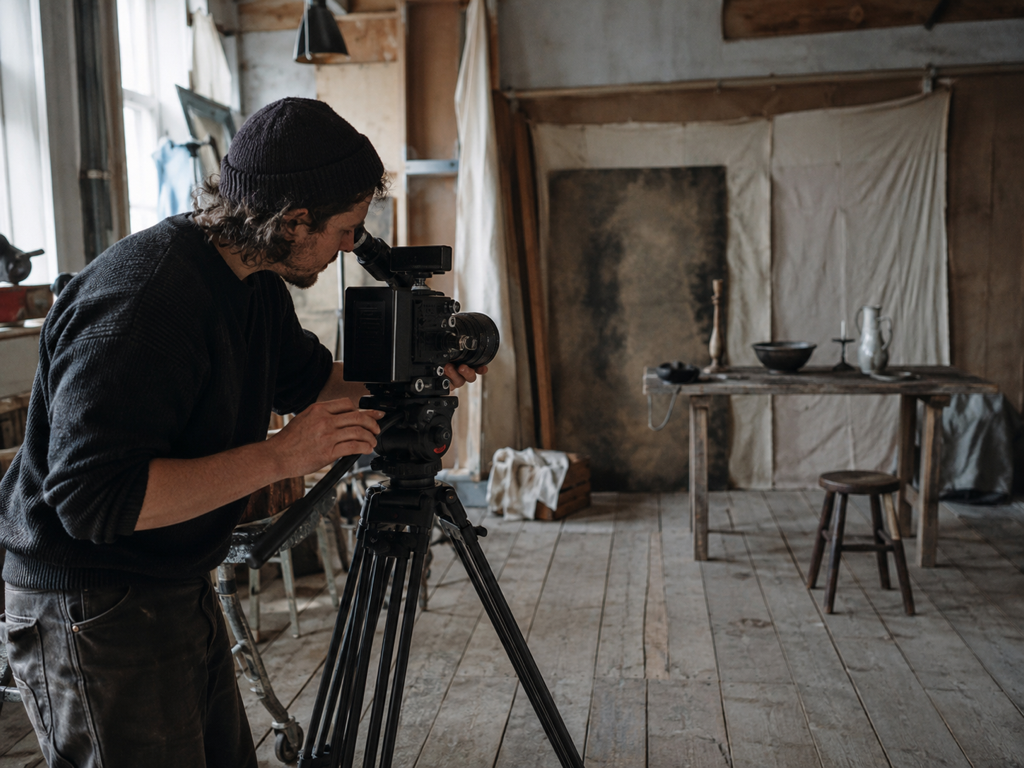
A Back Catalog Worth Reposting
Creators often hold only the version a platform already compressed, and it no longer matches the channel it needs to live on. Bringing that material back to a higher resolution with the video upscaler keeps an older library usable for new posts.

Home Movies On The Big Screen
Anyone sorting through phone and DV era home videos wants to watch them on a big screen again without squinting through the blur. A cleaner, higher resolution copy from the video upscaler turns those clips into something the family can sit and watch.
Common Questions About the Video Upscaler

Send Your First Clip Through
Upload an MP4 or MOV to Imgupscale, run a single pass to 4K, and the video upscaler hands back a result that is yours to use, client work included.