
Image Denoise
Upload a noisy shot and Imgupscale, an ai denoiser for photos, runs image denoise to rebuild clean texture where the grain sat, and a before and after preview lets you approve every result.
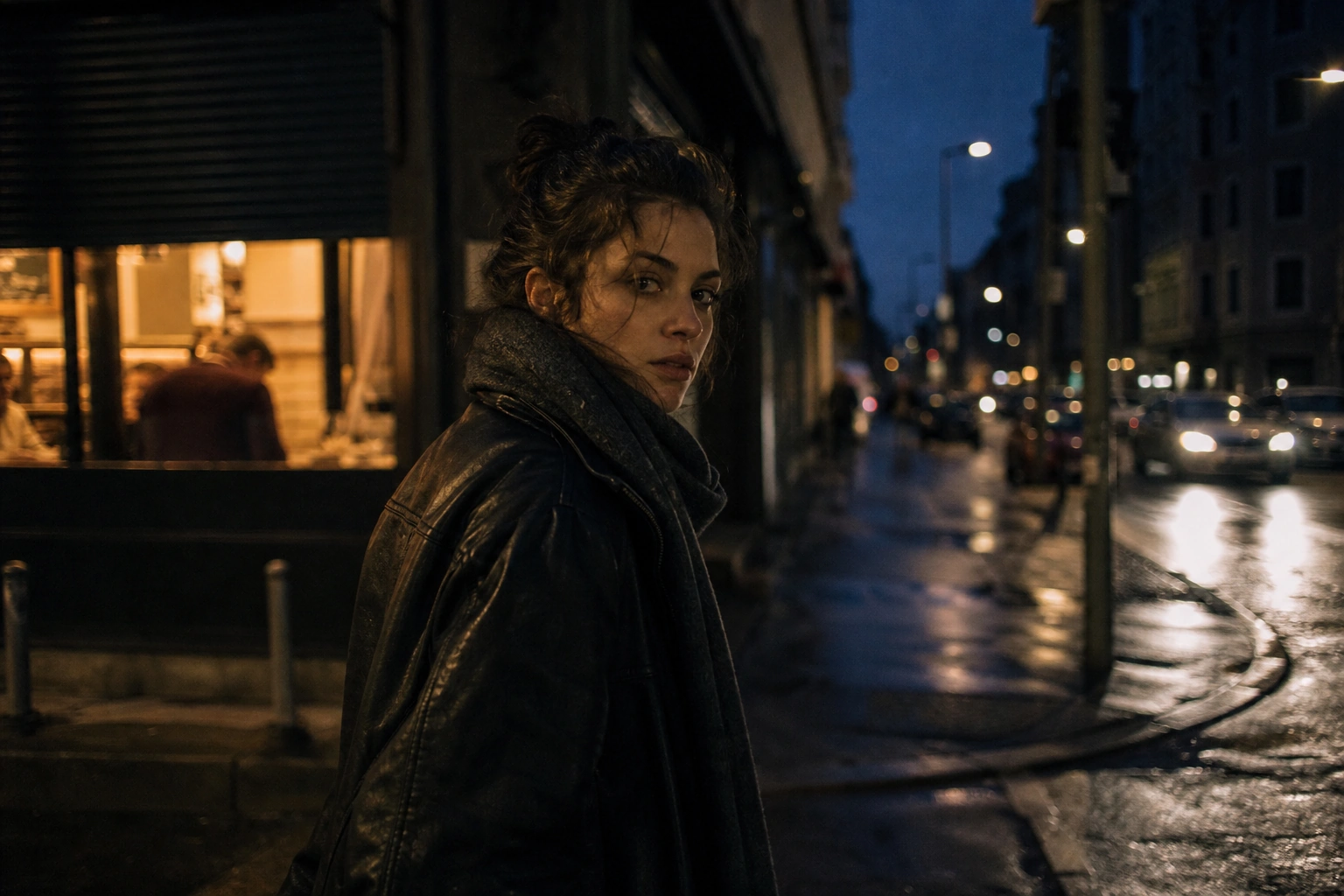
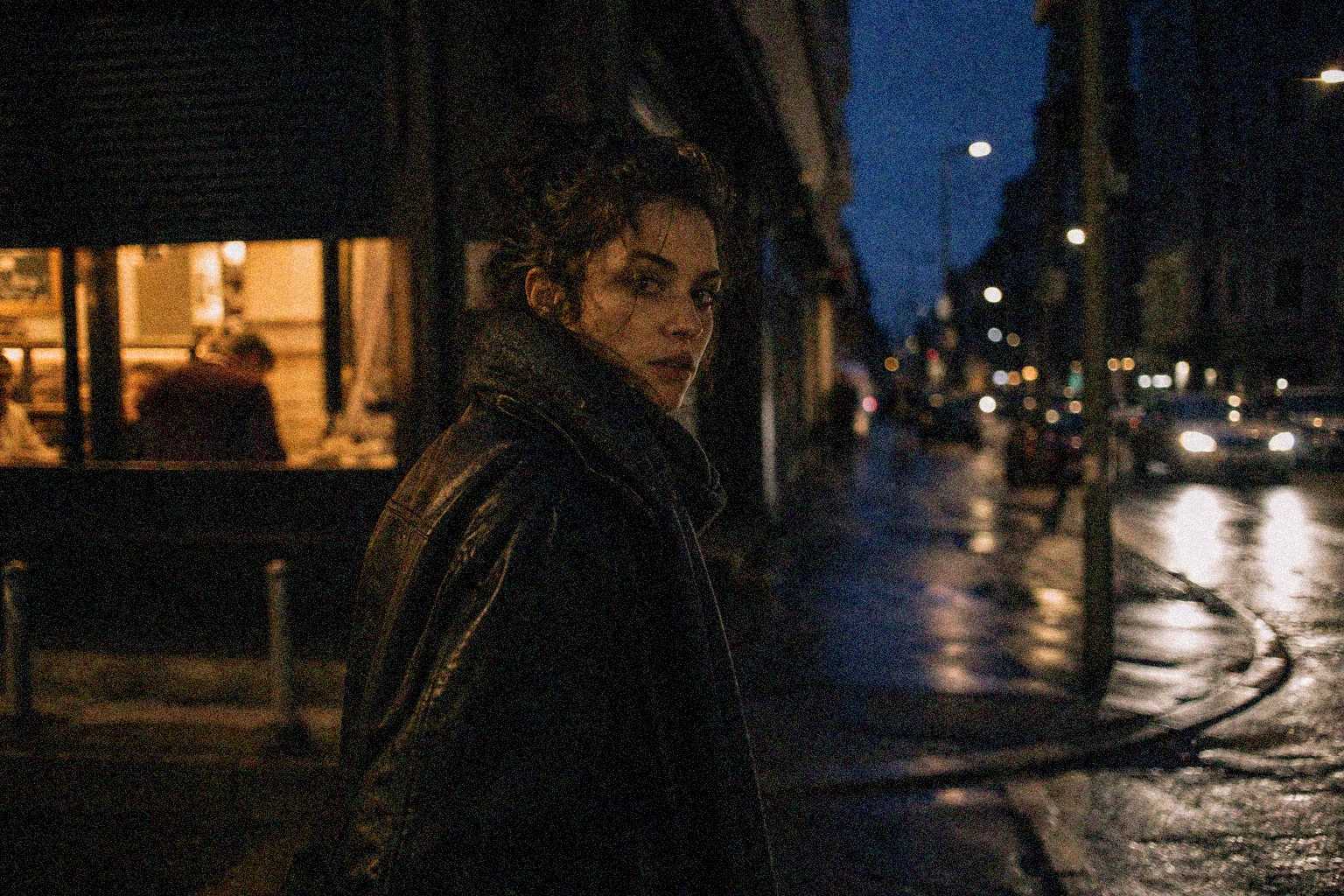
Drop, paste, or click (Supports .jpg, .png, .webp)
What Image Denoise Cleans Up
As an ai image denoiser, Imgupscale reads each file and targets the noise it finds, so a night shot and a repeatedly compressed JPEG get different treatment.

Clean Grain From High ISO Shots
Sharp subject detail comes back through image denoise from photos shot at high ISO, where color and luminance grain buried the frame. This high iso noise reduction tells noise from real edges instead of smearing them soft.
Repair JPEG Blocks and Dirty Edges
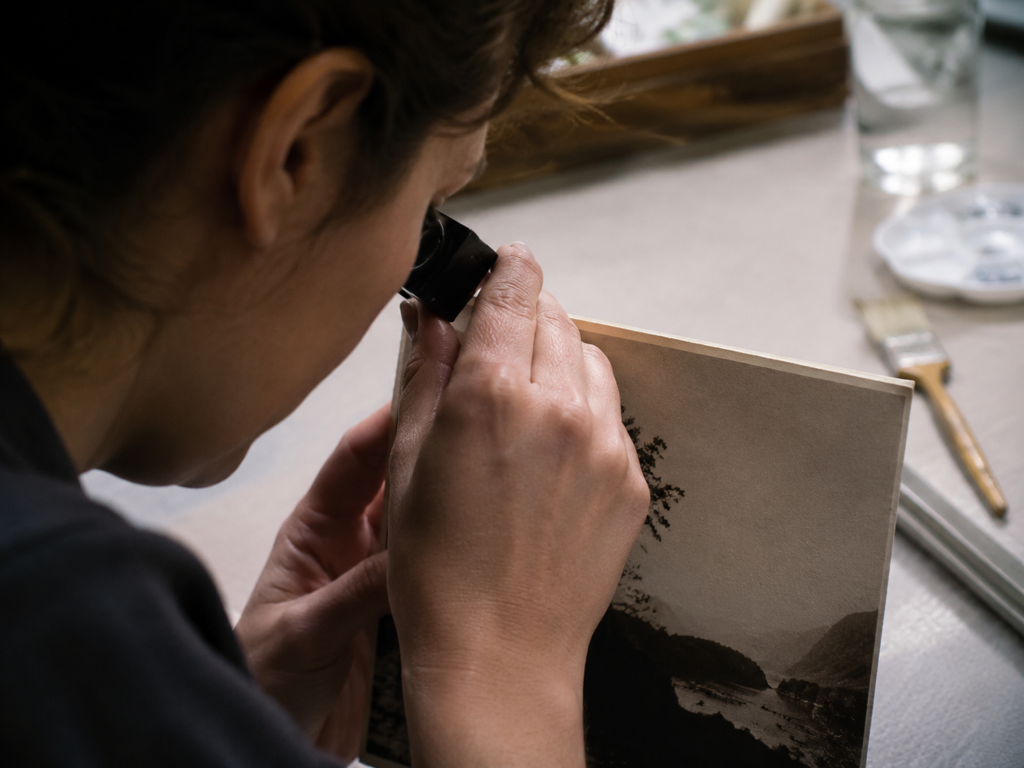
Blocky patches and smeared edges from repeated resaving break apart under jpeg artifact removal, so a repeatedly compressed image comes back clean and readable without the block grid rather than a grid of squares.

Denoise Without Wiping Out Detail
Real texture stays while the noise leaves, because image denoise separates grain from the fine detail beneath it and rebuilds texture that fits the scene. That is where Imgupscale image denoise earns its keep on portraits and product shots.
Clear the Noise, Then Upsize
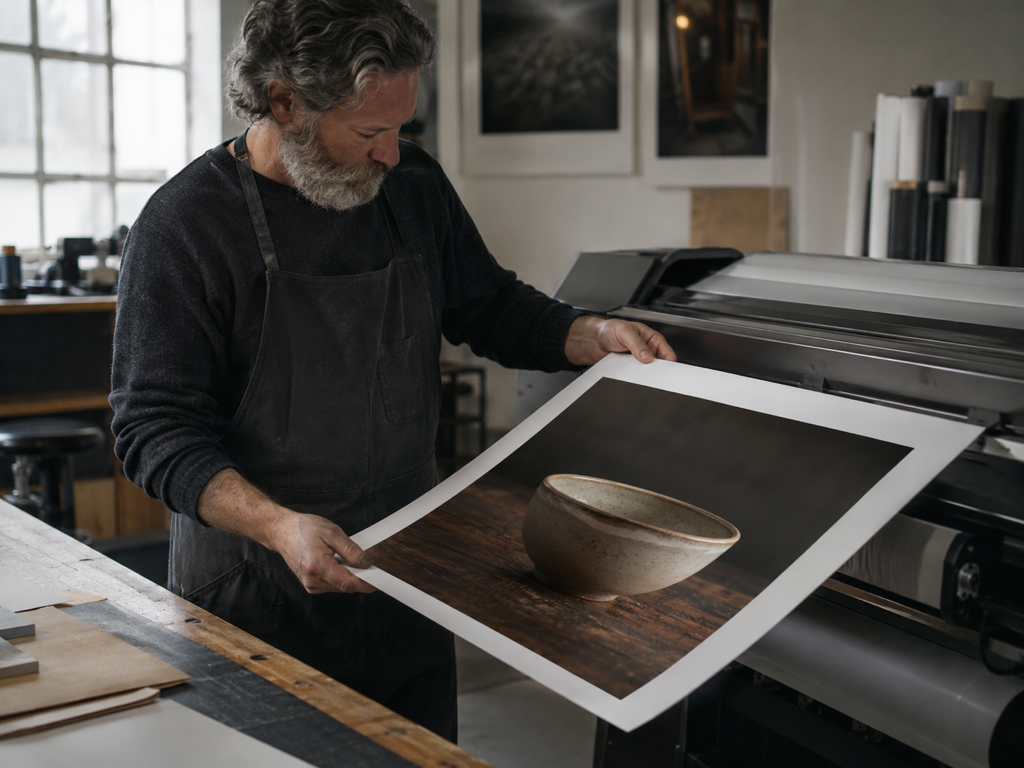
A denoised photo moves straight into upscaling in the same workflow, so you take a clean image up to 8K for a print or a large listing. Running image denoise first means the upscaler builds on clean pixels, not amplified grain.
Run Image Denoise in Three Steps
Three steps denoise image files from a noisy upload to a clean download, and you keep control at each one.
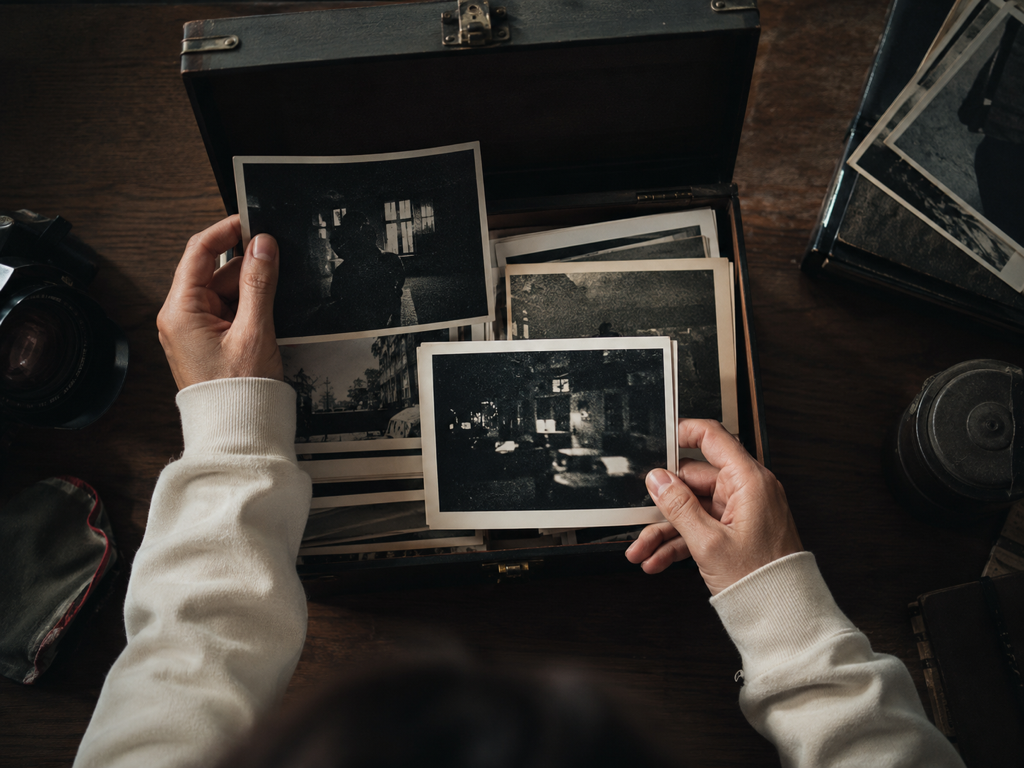
Upload Your Noisy Photos
Add one photo or a batch in JPG, PNG, or WEBP. Files land in your Imgupscale account space, so you can return to the processing history and download again later.
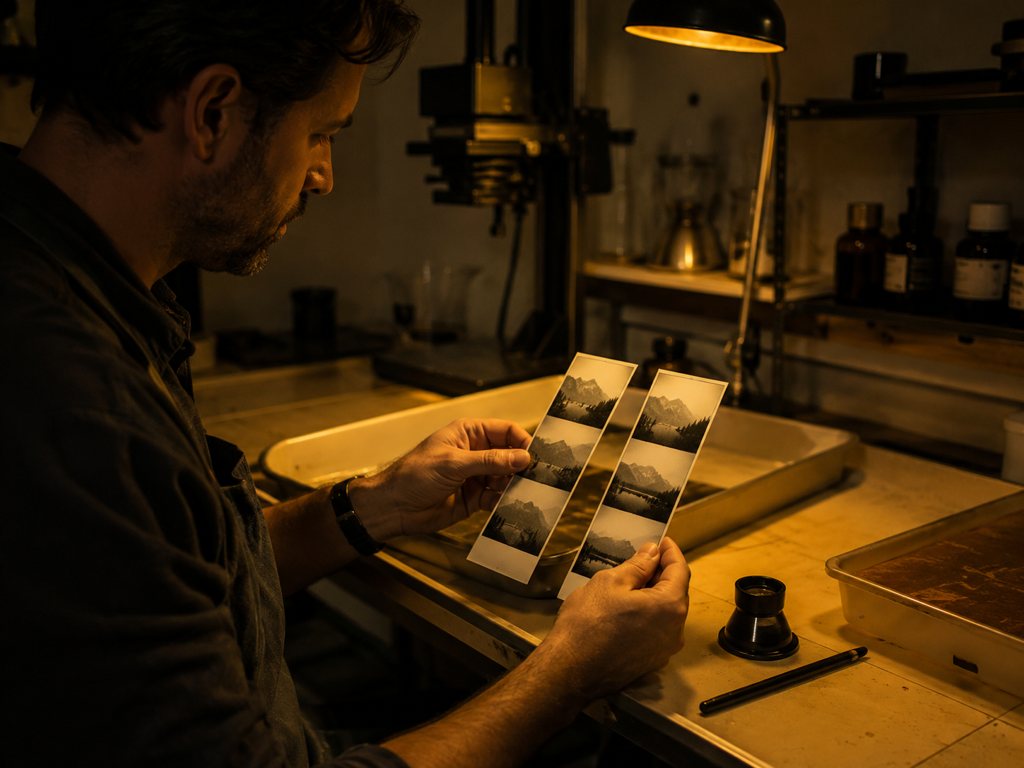
Let It Match, or Take Over
By default the ai noise reduction reads each file and matches the model to the noise, whether night grain, high ISO speckle, or compression damage. To drive it yourself, pick a model or a use case, then move the denoise strength slider to set how hard image denoise pushes.
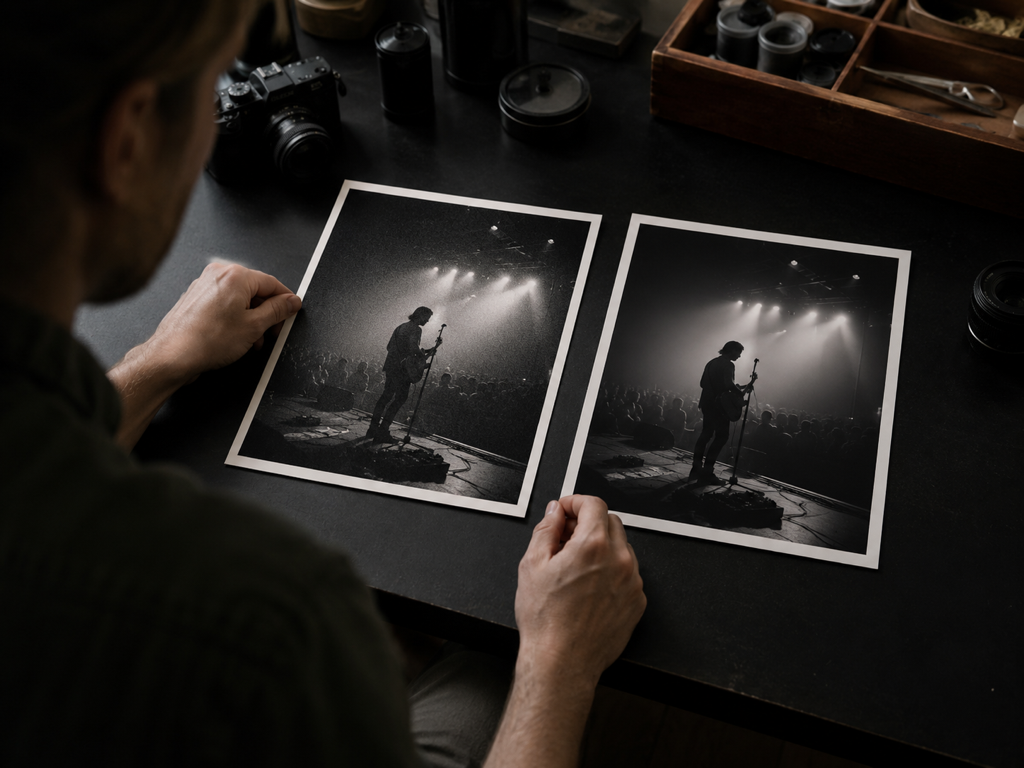
Preview Before and After, Then Download
Check the image denoise result against the original in the preview. If grain remains or detail softened, switch the use case and run it again. Once it looks right, download the clean image denoise result, or continue into upscaling up to 8K in the same workflow.
Where Image Denoise Earns Its Place
Real situations where image denoise matters, and what a clean pass gives back.
High ISO Photos From Dim Rooms
Indoor gigs, school plays, and grabbed candids force the ISO up, and speckle swallows the subject. An image denoise pass here clears the grain so the face and foreground read solid again, ready to share or print.
Film Grain Removal on Old Scans
Scanned negatives and reshot prints carry coarse grain that fights the tones you want to keep. Drop the grain while the mood stays put, and ease the strength down if you want a little film character left in.
Astrophotography Noise Reduction for Night Skies
Long night exposures pile high ISO grain and colored speckle across a dark sky. Image denoise leaves a smoother frame where the subject stands clear, without pretending to invent detail the sensor never caught.
Product Shots Under Weak Lighting
Shelf and tabletop shots taken under whatever light was on hand come out noisy, and grain makes goods look cheap. Run image denoise so the item's texture and color show honestly before it goes on a listing.
Who Reaches for This Most
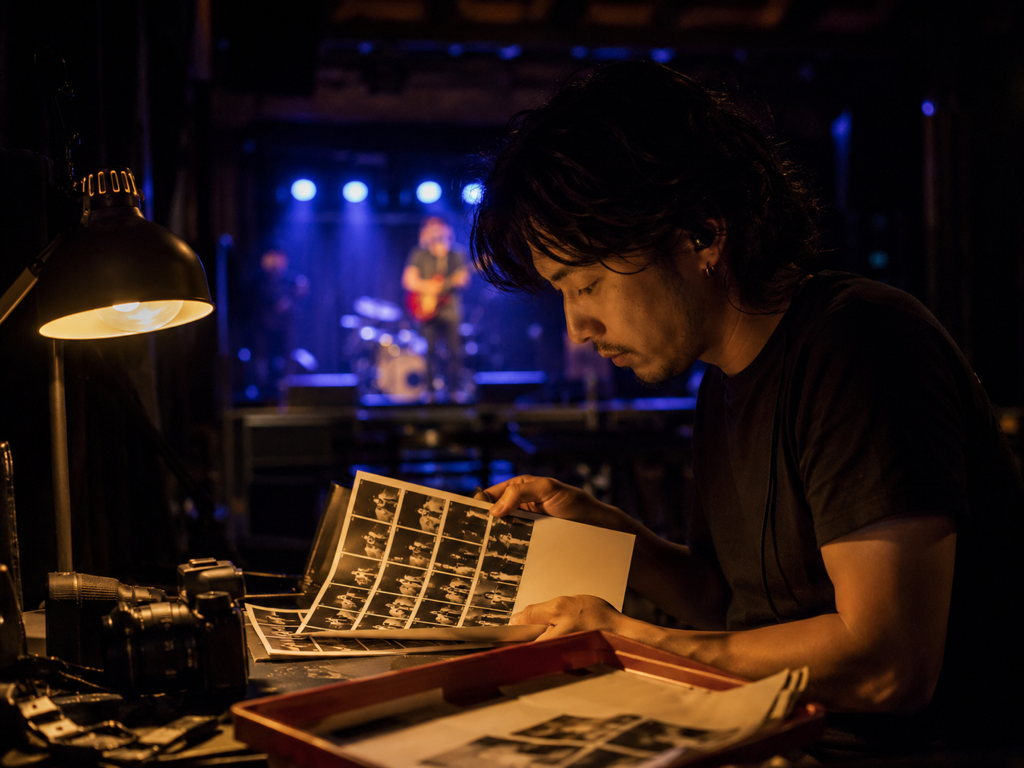
Low Light and Event Shooters
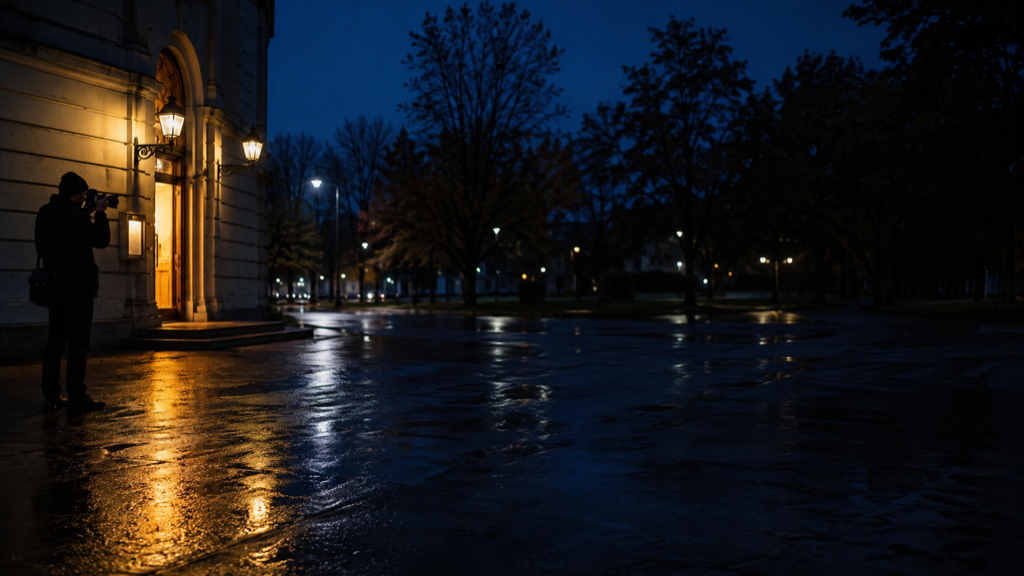
Night scenes, concerts, and indoor sessions live at high ISO, so grain is a daily problem. Runs to denoise photo after photo come out with subject detail intact, and the photo denoiser saves reshoots and heavy retouching.

Ecommerce and Product Teams
Studio light is not always on hand, and noisy product images undercut a listing. A round of image noise reduction removes the grain so the item looks accurate, and the result is cleared for commercial use including print and client delivery.
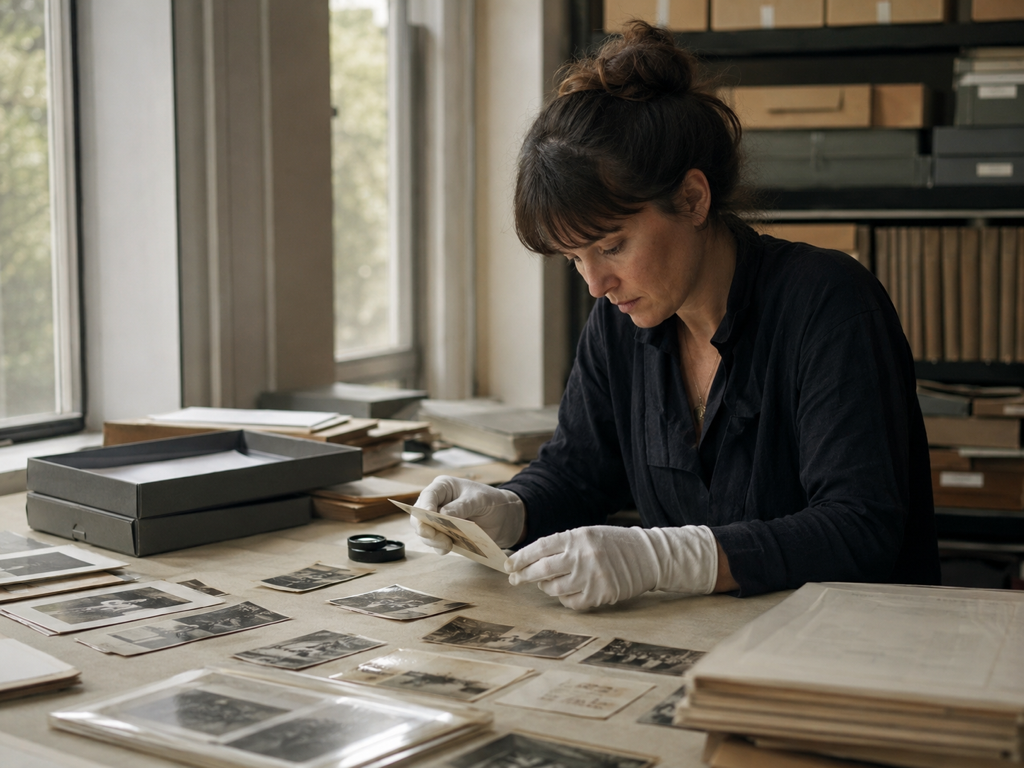
Family and Archive Scans
Boxes of scanned prints bring their own grain into the digital copy. Clean a batch in one go so the photo noise reduction is handled before any further restoration, and every cleaned scan stays in your account space to download.
Questions Before You Upload
Ready to Clear the Noise
Bring in a grainy shot to remove noise online, and let Imgupscale image denoise hand back a clean version you approve in the preview.