
Face Enhancer
Imgupscale is a face enhancer that finds each face in your photo, rebuilds the detail you lost, and shows a before and after preview so you confirm it is still the same person before you download.
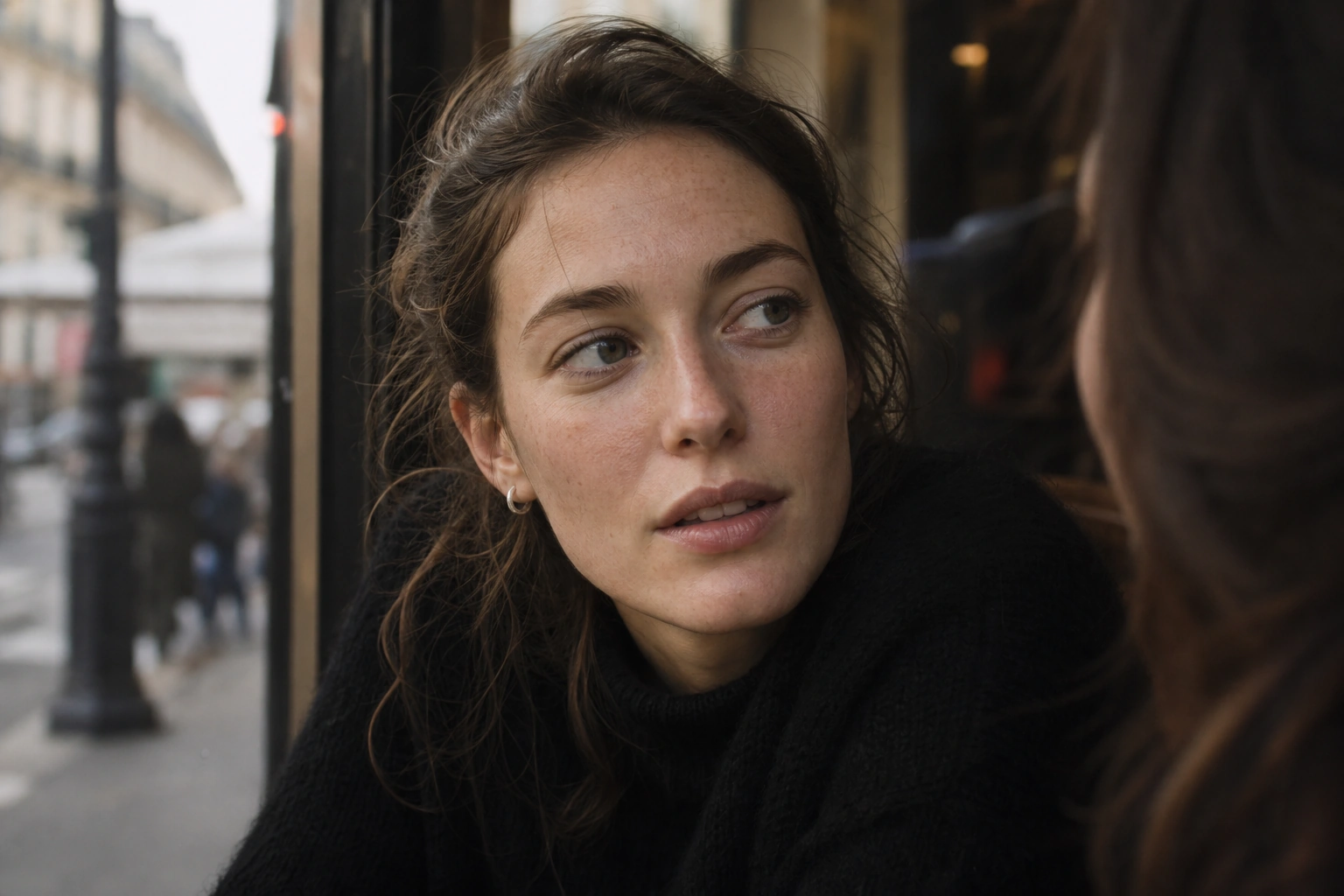
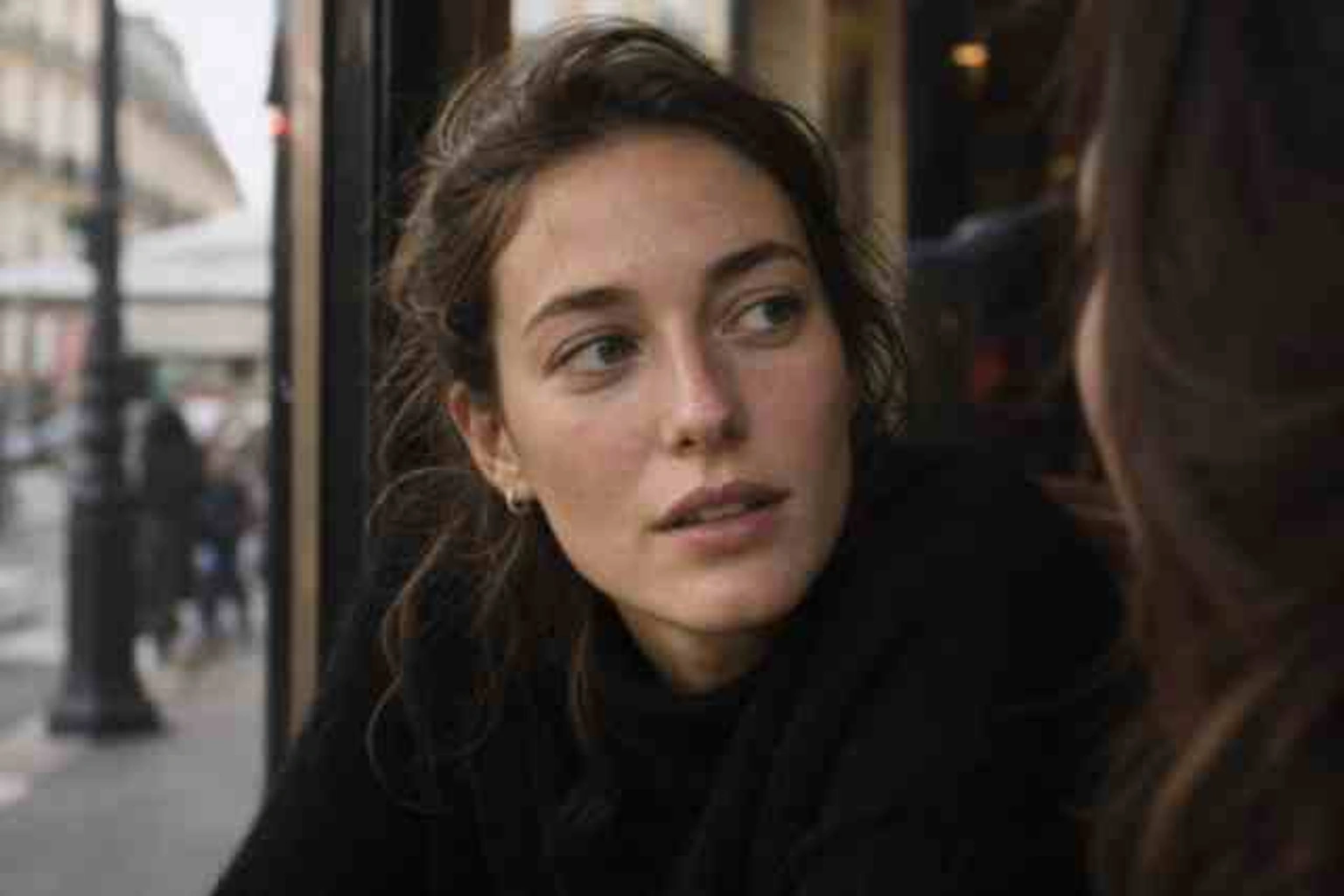
Drop, paste, or click (Supports .jpg, .png, .webp)
From Blurry Upload to Sharp Result
The face enhancer takes you from a soft, low resolution face to a sharp result you have checked yourself, in three steps.
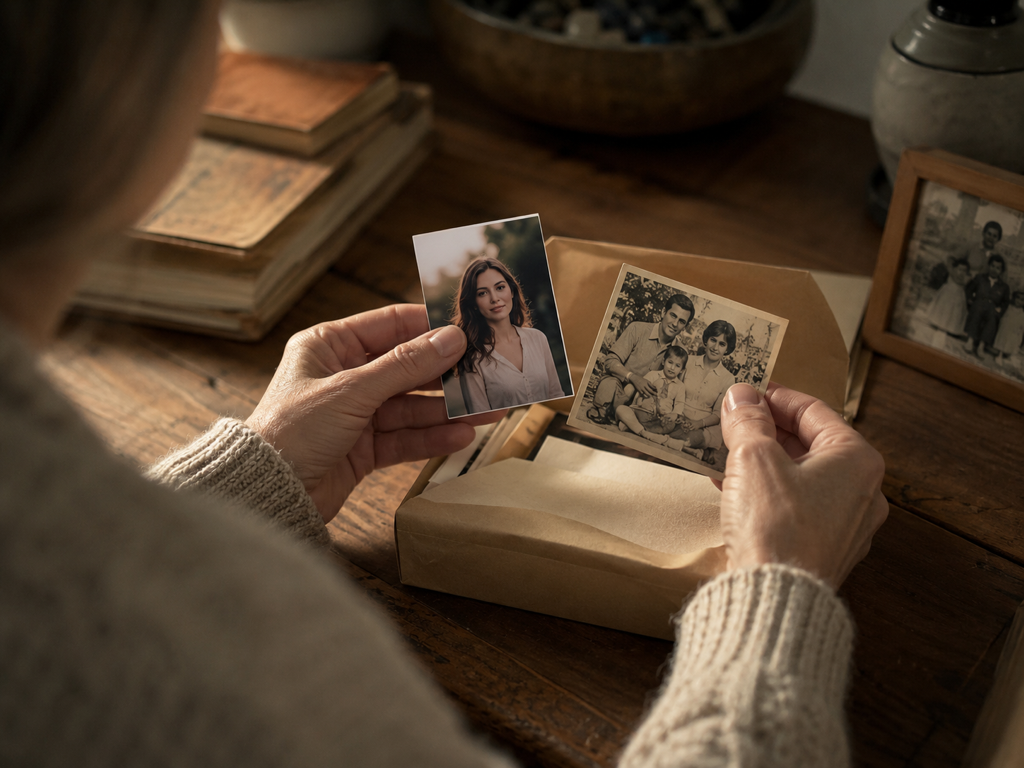
Add Your Blurry Photos
Upload one photo or a whole batch in JPG, PNG, or WEBP. Your uploads land in your account space, so you can come back and download them again later.
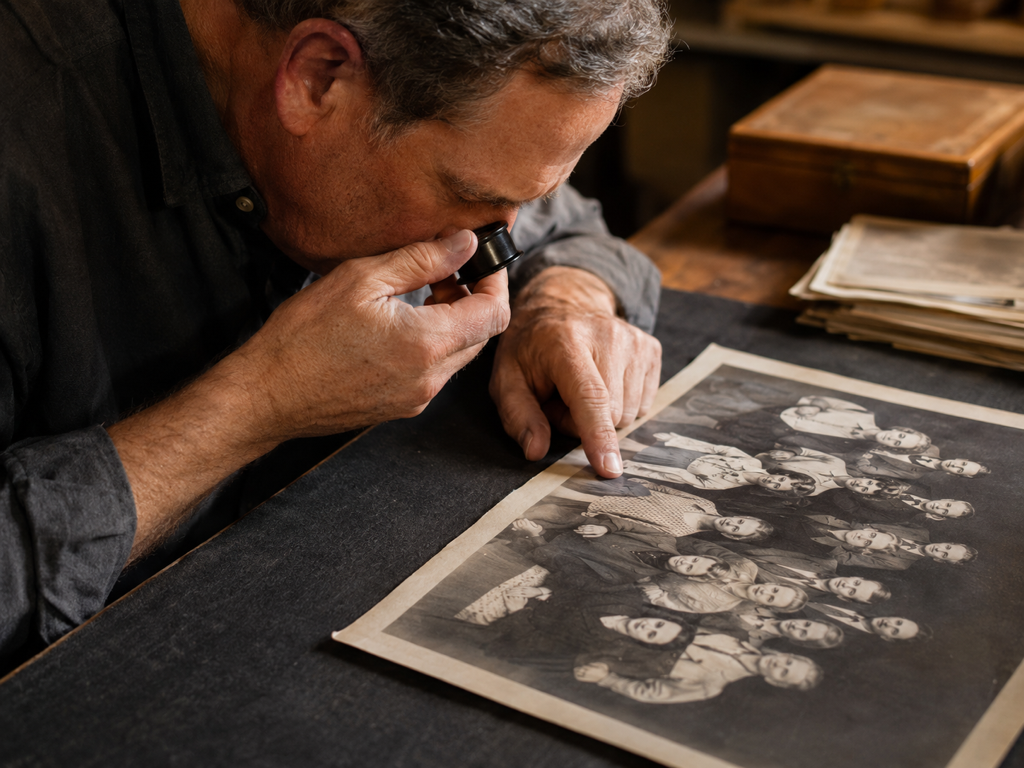
Let It Find Each Face
By default Imgupscale matches a model to each file and runs an ai face restoration that locates every face, reads what caused the blur, and rebuilds only the soft areas. To take over, pick a model yourself or choose a scene, and the settings fill in for you.
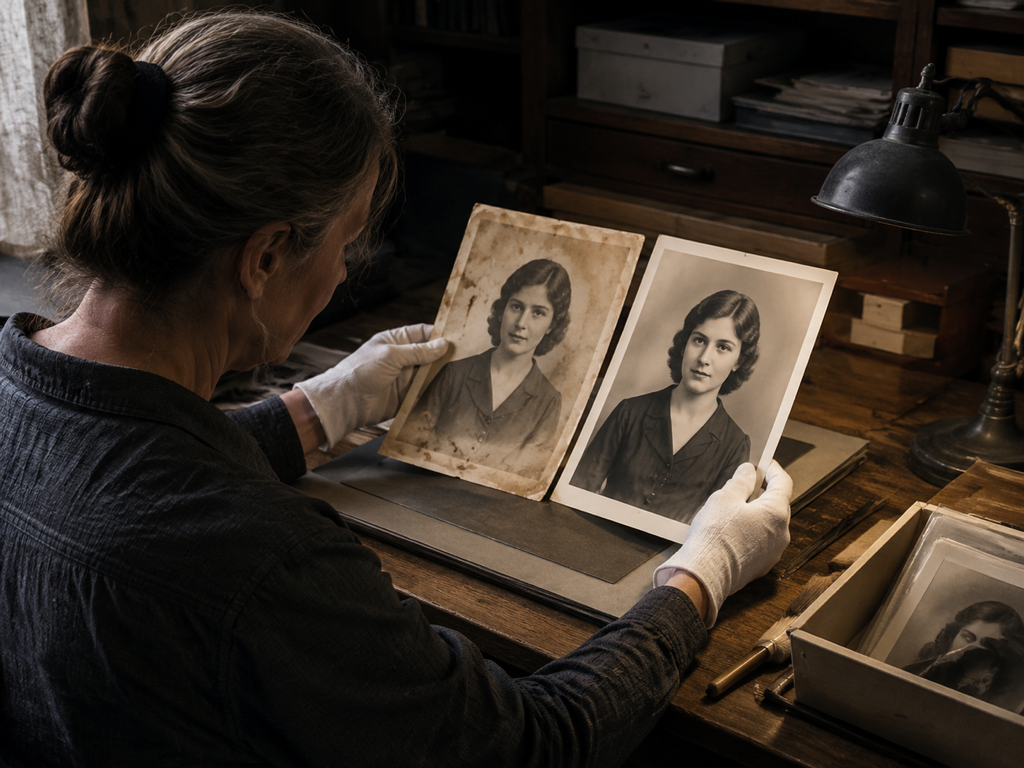
Compare, Then Download
Check the before and after view the face enhancer opens to confirm the person has not changed, then download the result. When you need a larger size, keep going in the same workflow and scale the image up to 8K for print or web.
Where the Face Enhancer Earns Its Keep
This face enhancer chases one thing across very different photos, the detail in the face, without turning anyone into a different person.
Profile Picture Enhancer for Social Feeds
The selfie you use as an avatar turns soft the moment a platform scales it, and the features blur together. Rebuild the facial detail first, then size it up to what the profile slot needs, so your photo face enhancer output stays an hd face on screen.
Group Photo Enhancer for Events
In wedding, party, and reunion shots, the people standing farthest back land on only a few dozen pixels each. The face enhancer picks out every face in the frame and restores them one by one, so you skip cropping each person out to fix them alone.
Old Photo Face Restoration From Scans
A scanned or copied print from decades ago often shows a faded, blurry face crossed by scratches. This old photo face restoration rebuilds the detail that suits that face, clearing the scratches and grain in one pass, with color added if you want it kept. It is scanned photo restoration that fits the face rather than inventing a look never captured.
Low Light Portraits That Came Out Grainy
Handheld indoor and night portraits arrive noisy, with a soft face buried in the grain. Denoising and detail rebuilding run in the same pass here, so you get a clean face without processing the shot twice.
Who Reaches for This Face Enhancer
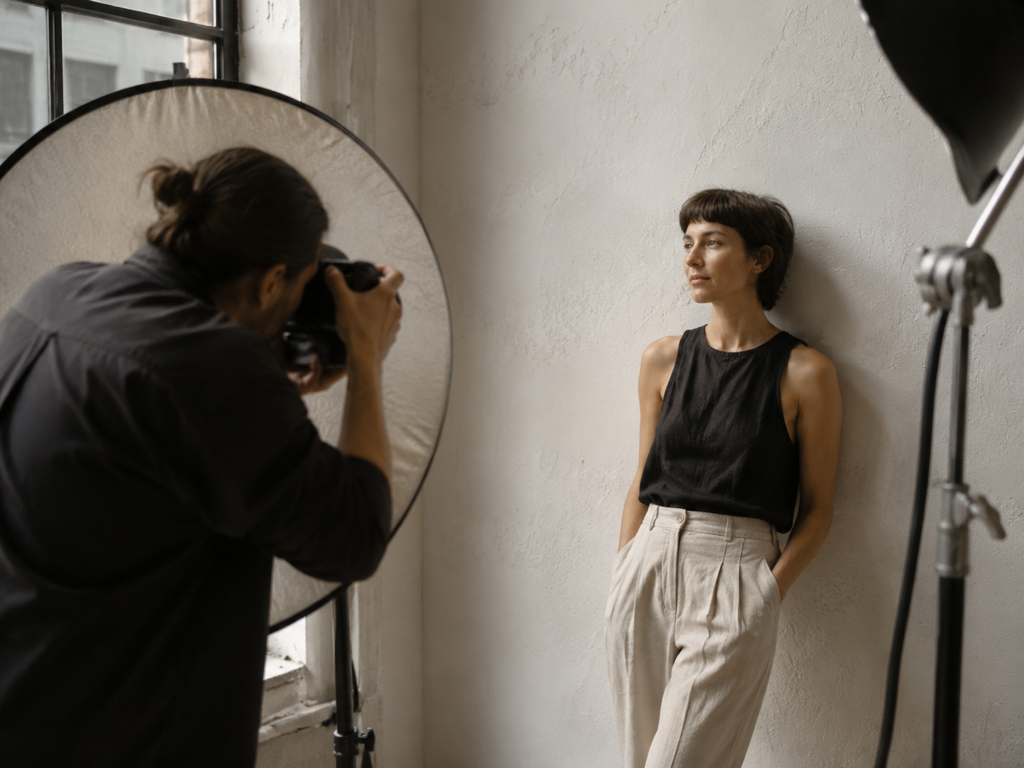
Creators Posting Their Own Face
You shoot on a phone all day, and avatars go soft the moment a platform scales them. Imgupscale acts as an ai selfie enhancer here, bringing the facial detail back so you can unblur face shots before you post.
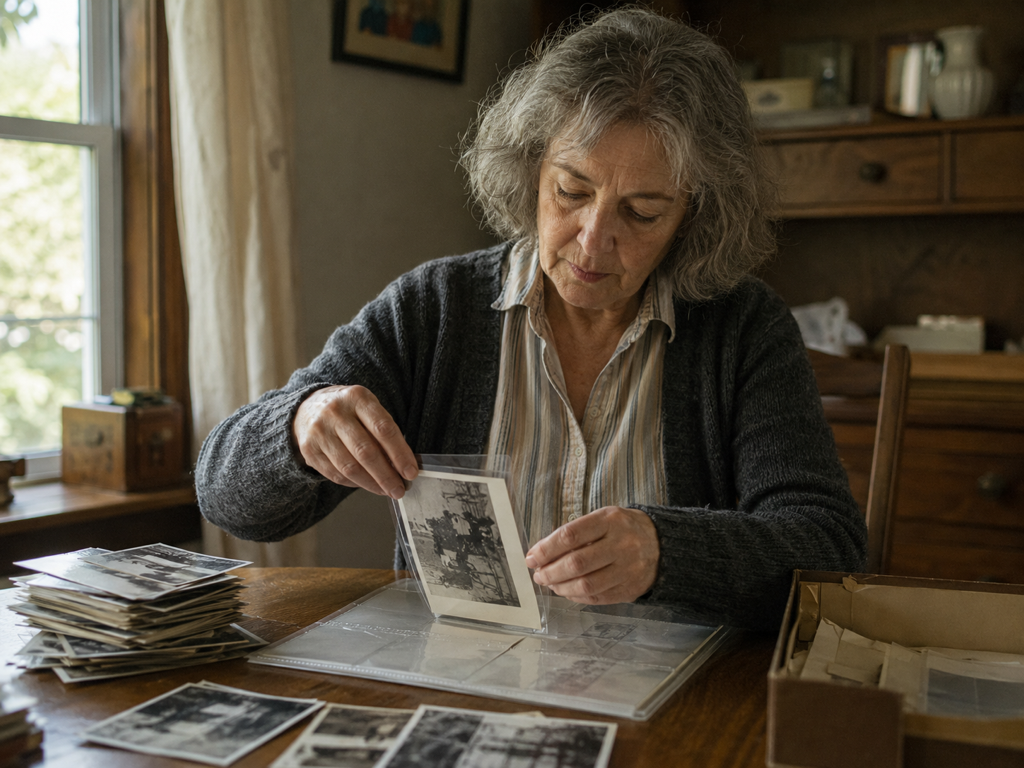
Keepers of the Family Album
You have a box of scanned prints and copied photos where the faces have faded and blurred. Running them through the face enhancer gives you a version where you can see each person again, with the scratches and grain cleared.
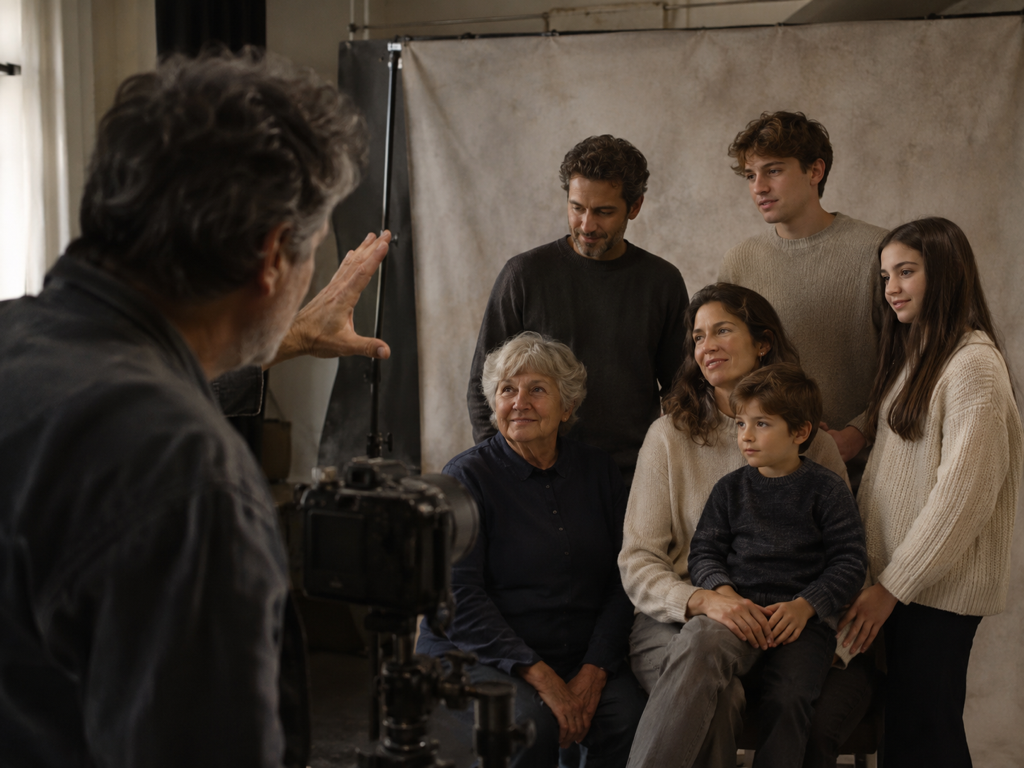
Studios Delivering Portrait Work
A client group shot can leave the faces in the back short on detail, and it has to look right before delivery. Restore and sharpen portrait detail on each one, then scale the frame up to print size in the same workflow.
What the Face Enhancer Actually Does
Each card is one job the face enhancer does on a face, working like a face sharpener on fine detail, not a makeover.
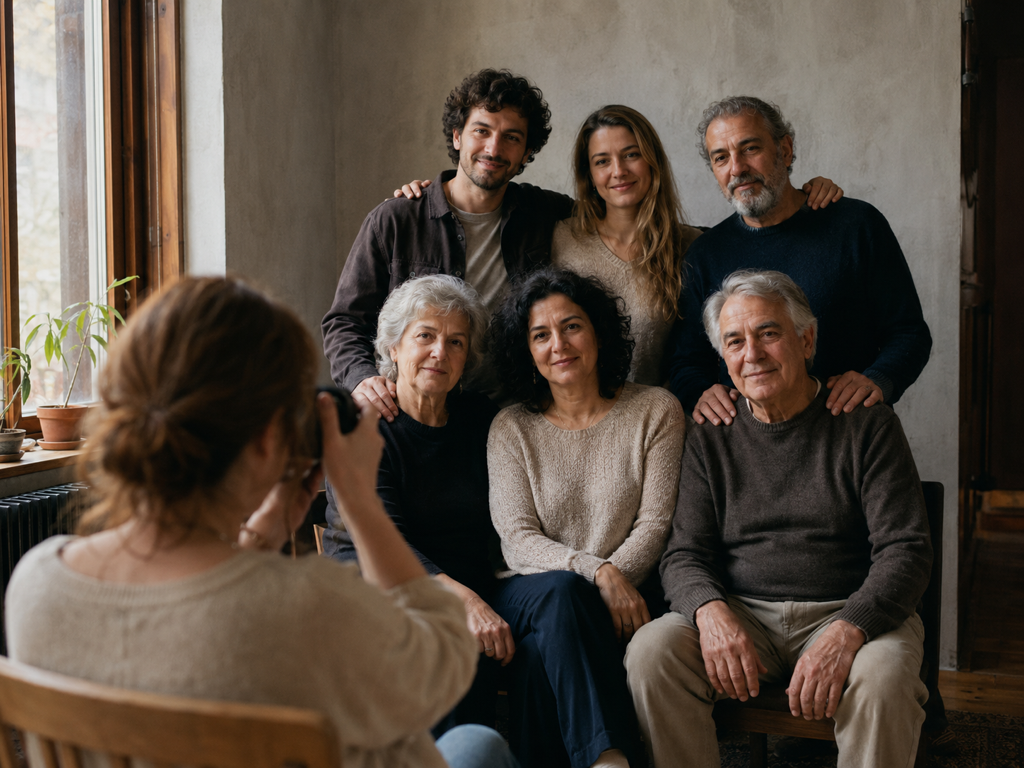
Every Face, One at a Time
When a group photo holds several faces, this ai face enhancer picks out each one and rebuilds it on its own. It is a real face unblur that works face by face instead of smearing one filter across the whole picture.
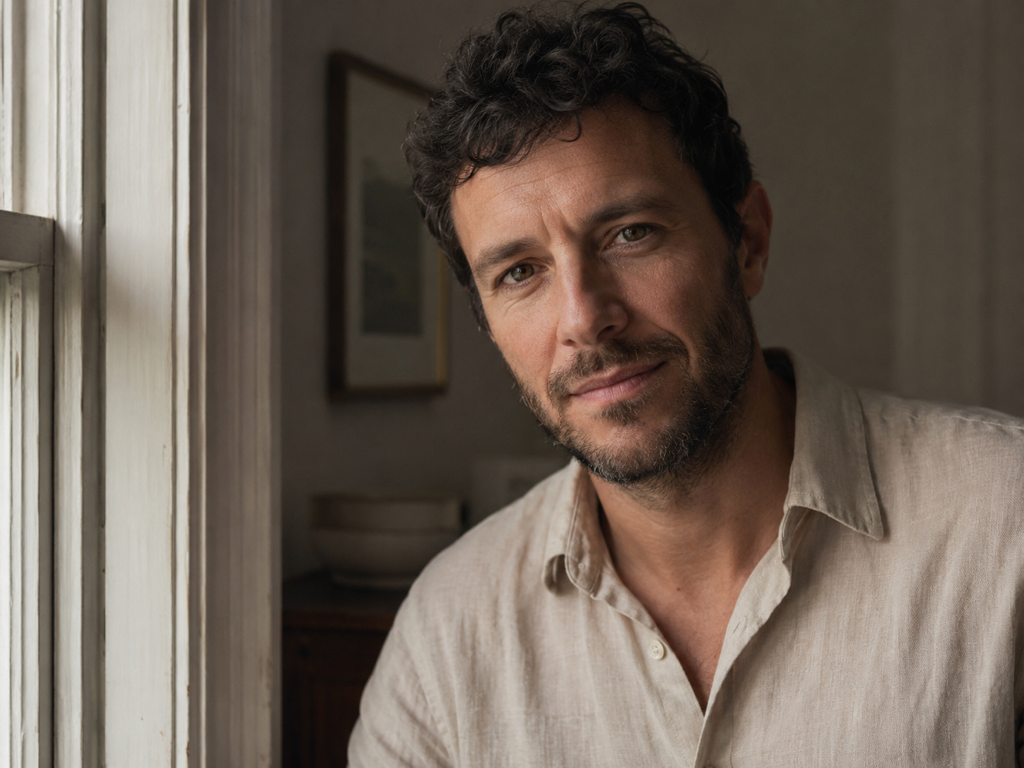
Still the Same Person
A face enhance here rebuilds detail only: the edges of the eyes, the hairline, the texture of skin. It does not smooth, reshape, whiten, or swap anyone, and it never generates a new face, so the result is the person you uploaded.
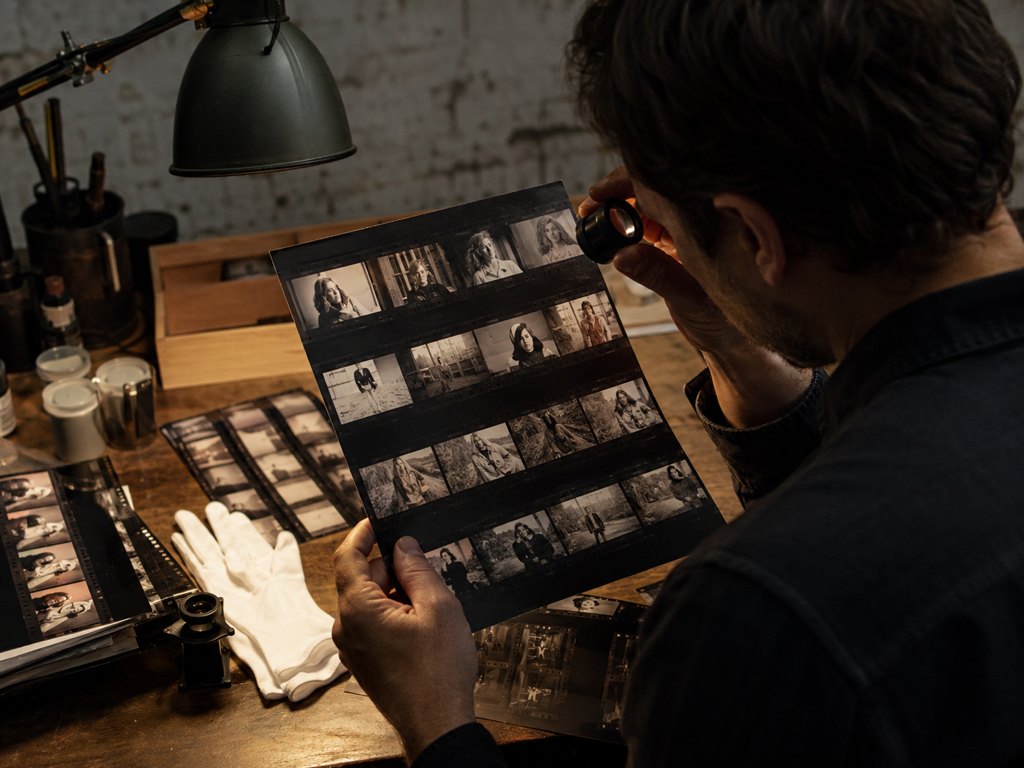
Check It Before You Keep It
Every result from the face enhancer opens in a before and after view, so you see exactly what was rebuilt and whether the person changed. If the face enhancer does not get it right, switch the model or scene and run it again, since the choice to keep or redo stays with you.
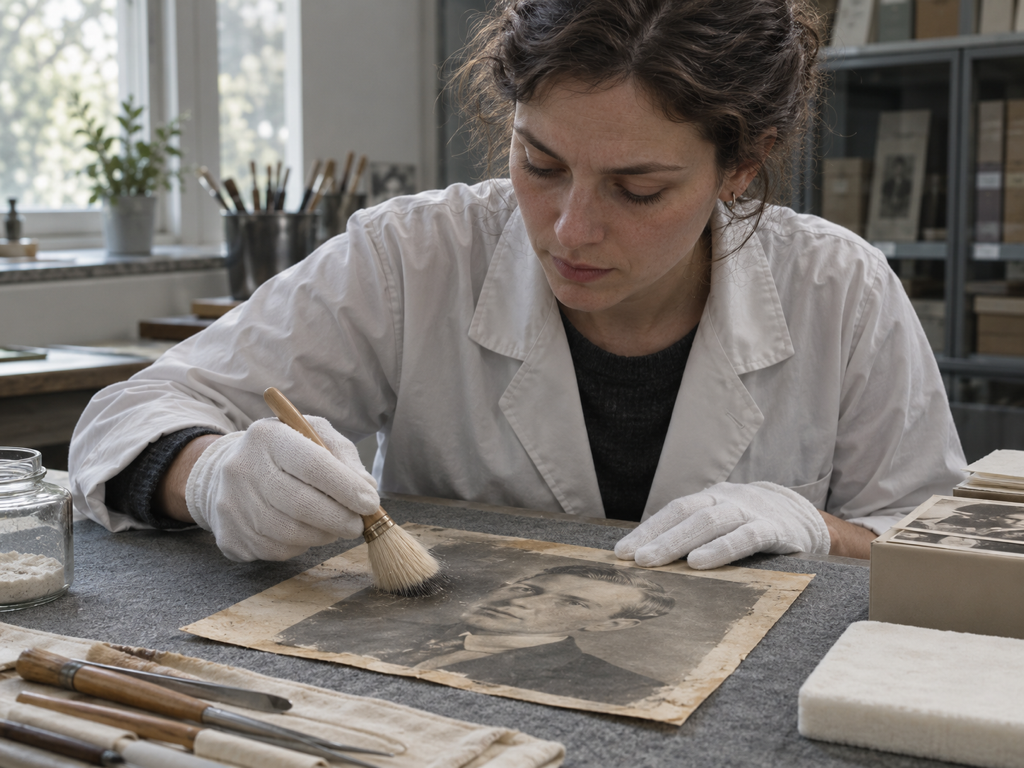
Old Prints and Faded Faces
Faded scans get their facial detail rebuilt while scratches and grain clear in the same pass, with color added if you want it. As a portrait enhancer it doubles as a face upscaler, since you can scale the finished face up to 8K for print once the detail is back.
Questions Before You Upload a Face
Bring Every Face Back Into Focus
Upload a blurry or faded shot, let the face enhancer rebuild detail one face at a time, and enhance face clarity without changing the person you photographed.