
Graphic Enhancer
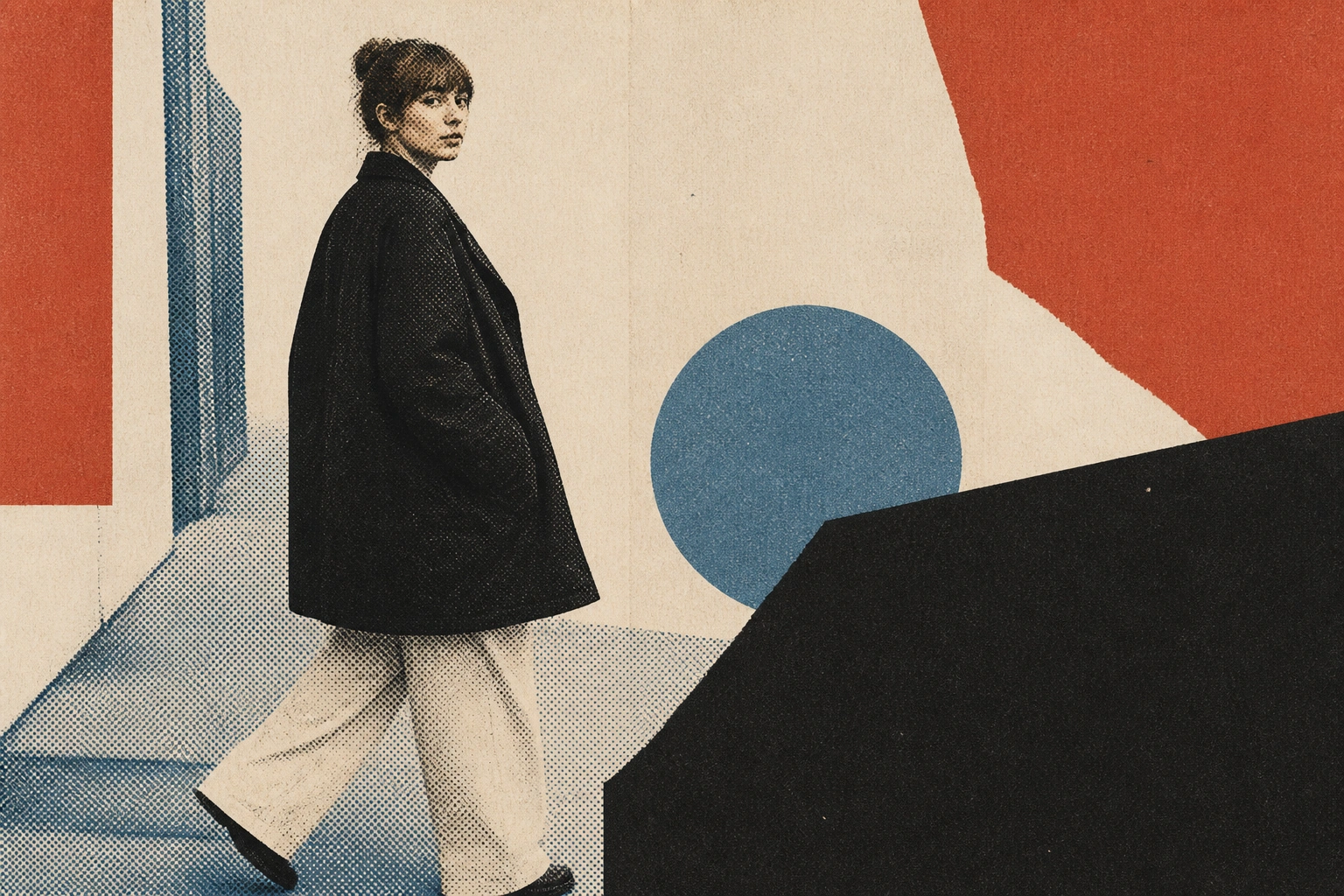
Imgupscale is a graphic enhancer that rebuilds only the soft edges and lines in your file, leaves the clean color blocks alone, and shows a before and after view so you approve the result before you download it.
Drop, paste, or click (Supports .jpg, .png, .webp)
What The Graphic Enhancer Rebuilds First
Four moves the graphic enhancer makes on a soft design file, and what each one means for the result you hand off.
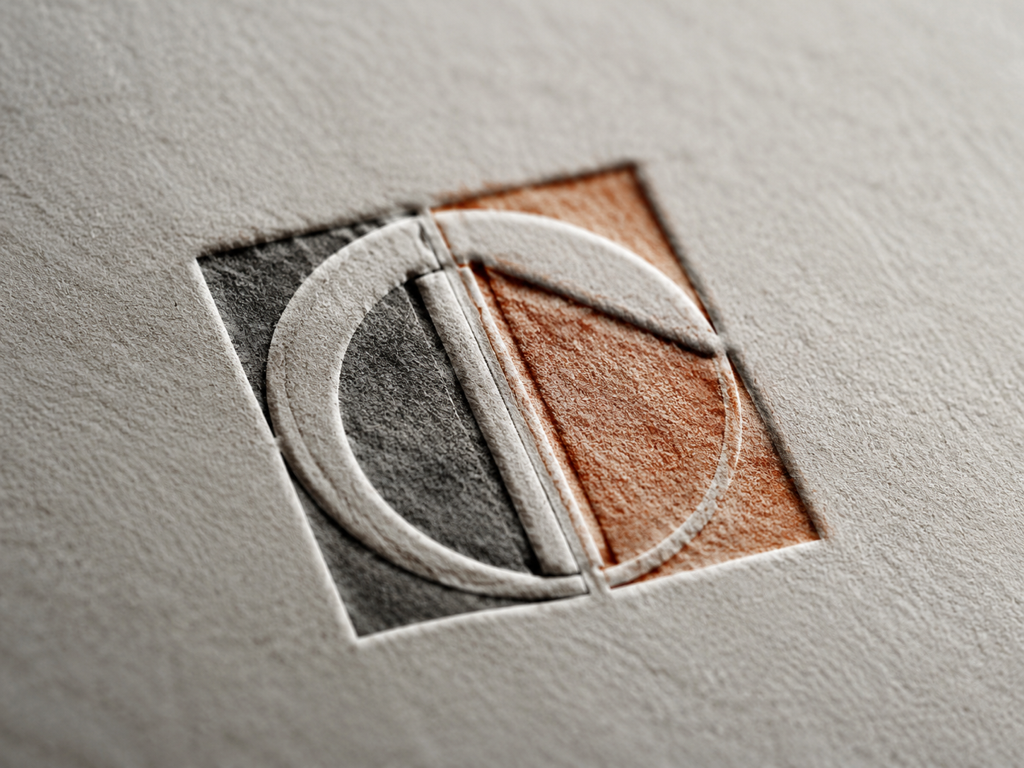
Only The Soft Areas Get Touched
The graphic enhancer finds the edges and lines that read as blurry, then rebuilds just those areas while flat color and empty space stay as they were. This is why an ai graphic enhancer pass sharpens the parts that need it without repainting a design you already like.
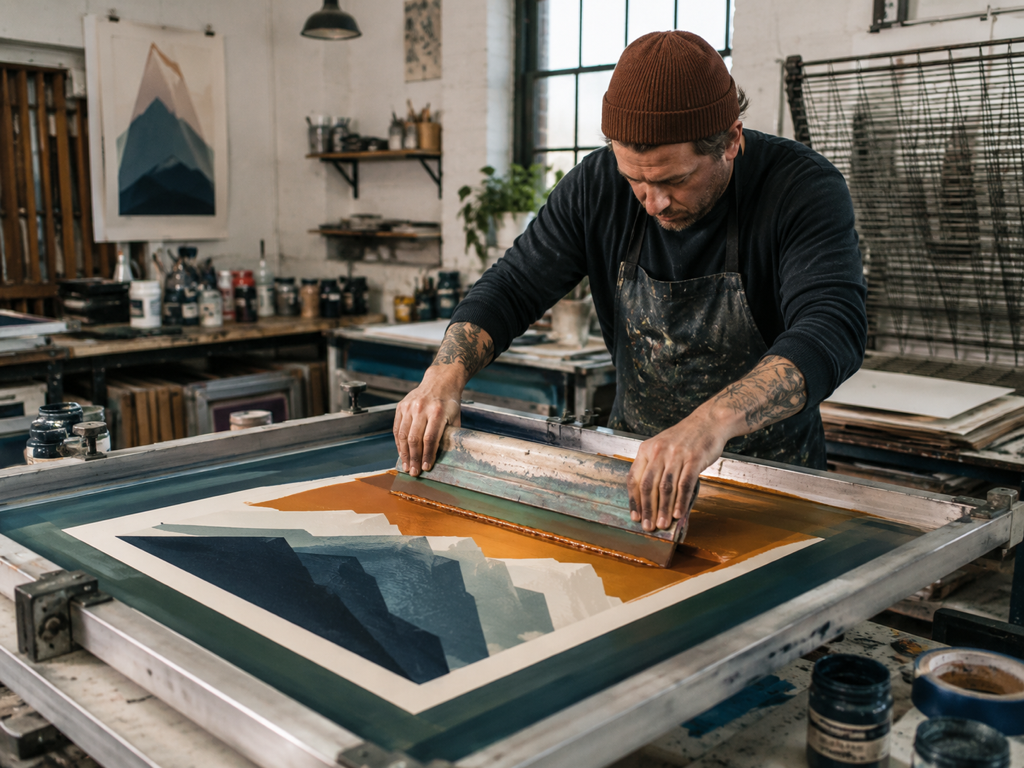
Lines Hold Up In Artwork And AI Output
Illustration frames and AI output from tools like Midjourney or Stable Diffusion keep their line direction and color boundaries as they grow, and you can paste a prompt to steer the detail. As an ai art upscaler this path adds detail that fits the style rather than smearing the linework.
Clean The File, Then Size It Up
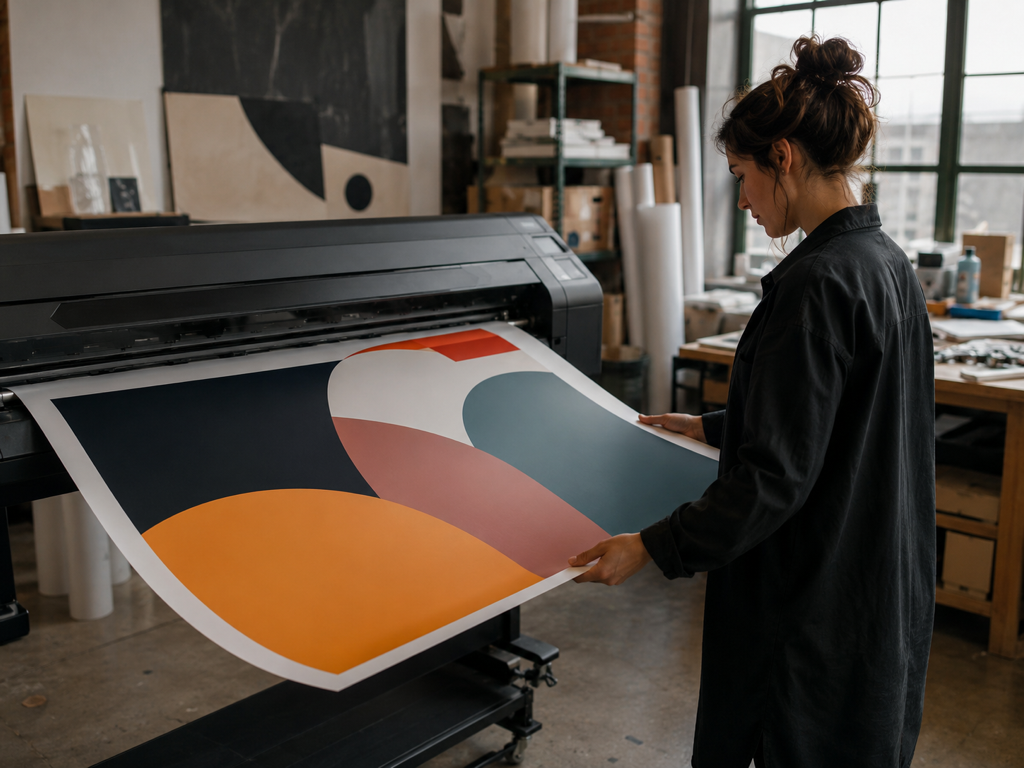
Compression artifacts and noise come off first, then the graphic enhancer enlarges the file toward the size a print run or wide banner asks for, up to 8K. As a graphic upscaler it carries a screen size graphic to a larger layout without a second tool, though the result is a rebuild rather than a promise of print certainty.
Automatic By Default, Yours To Steer
Every file is routed to a matching model by type, so most uploads need no setup to enhance graphics that arrive soft. When you want the wheel, pick a model or a use scenario in the graphic enhancer and the settings fill in, and noisy files get a denoise strength slider you can nudge by hand.
From Soft Upload To Larger Size
Three steps take a rough graphic from your drive to a file the graphic enhancer rebuilds and sizes up for a page or a print job.
Upload The Soft Design Files
Add one graphic or a batch of them to the graphic enhancer in JPG, PNG or WEBP, whether it is a logo, an illustration, an AI export or a thumbnail. Files land in your account space, so you can come back to any of them later.
Let It Match A Model Or Take Over
By default the graphic enhancer picks a model by file type, locates the soft edges and lines, and clears compression artifacts as it rebuilds them. To take over in the graphic enhancer, choose a model or scenario, paste a prompt on illustration and AI files to steer detail, or raise the denoise strength on noisy uploads.
Compare, Then Download Or Size Up
Study the before and after on screen, and if a spot looks off, rerun with another model or scenario. Once it holds up, download the result, and when a print or large layout needs more size, keep going in the graphic enhancer up to 8K.
Where The Graphic Enhancer Pulls Its Weight
Real jobs where a graphics enhancer turns a file you were stuck with into one you can actually ship.
Logo Enhancer For Storefront And Packaging
The only copy of a logo you can find came off an old website, an email signature or a business card file, so it is small, rough at the edges and carrying a layer of compression. Here you rebuild and sharpen logo edges and letterforms, clear that artifact haze, then upscale logo files toward the size a sign, a box or a stall needs, all without repainting the mark or changing its font and colors. What comes back from the graphic enhancer is a high resolution bitmap, not a vector file.
Thumbnail Enhancer For Covers And Cards
Video covers, album art and product cards get squeezed once a platform reprocesses them, and the title text goes soft while graphic edges turn rough. The thumbnail enhancer locates those soft letter blocks and edges and rebuilds them, so the image holds together when you move it to a bigger slot or turn it into a physical card. Text stays sharp and readable in the graphic enhancer, though it is not retyped or corrected.
Upscale Artwork For Print Sizes
Illustration and AI output from Midjourney or Stable Diffusion often export only large enough for a screen, so the lines go soft and color boundaries fray the moment you enlarge them. Upscale artwork here and the line direction and color edges hold, you can paste a prompt to steer the detail, and the file grows toward the size a print job asks for. The added detail from the graphic enhancer is a rebuild that fits the style, not pixels the original never held.
Rush Print Deliverables
A client sends back layout assets that only exist at screen size, and on a large format the edges fall apart before the deadline. Run them through the graphic enhancer to clear the compression first, then carry the same file up in one workflow toward the size a large format job asks for, so it ships without rebuilding the art from scratch.
Who Reaches For This Graphic Enhancer
One Low Resolution Logo, Many Uses
You have a single low resolution logo and no original design file, and it has to work on a sign, on packaging and on print handouts. The graphic enhancer rebuilds the soft edges of the mark and sizes it up for those placements, working on the areas that read as soft rather than redrawing the design.
Screen Size Assets On A Deadline
A client handed over assets that only exist at screen size, and the schedule leaves no room to rebuild them by hand. The graphic enhancer takes each file up to the resolution the layout calls for, so the delivery stays on track.
Compressed Store And Cover Graphics
Product cards, detail page icons and video covers turn soft after a platform compresses them again and again. Reprocess them through the graphic enhancer to bring the graphic edges and title text back to something you can post and print.
Questions To Settle Before You Upload
Send Your Soft Graphic Through Imgupscale
Upload a logo, thumbnail or piece of artwork, watch the before and after, and download the rebuilt file from the graphic enhancer, with a free 10 credit trial to start.